WhatsApp Chatbot for Business: The Essential Integration Playbook
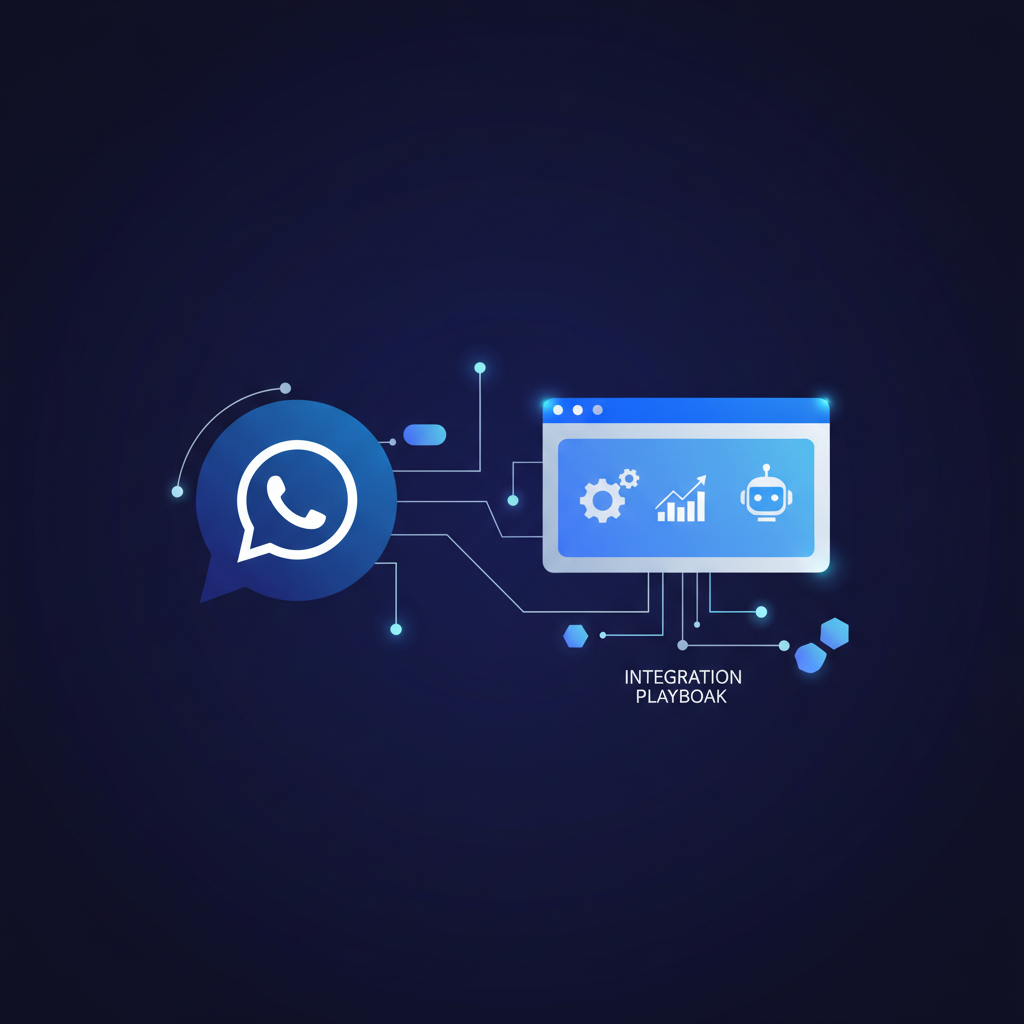
A WhatsApp chatbot for business isn't just a communication tool; it's a strategic asset that can drastically improve customer service, automate repetitive tasks, and drive sales. By integrating a chatbot into your WhatsApp Business API, you're essentially deploying an always-on, instant-response team that handles everything from FAQs to lead qualification, freeing up your human agents for more complex interactions. It's a non-negotiable for businesses looking to scale their customer engagement without scaling their headcount proportionally.
I've seen countless businesses struggle with overwhelming customer inquiries, slow response times, and missed opportunities. It's frustrating for customers and costly for the business. This is where a well-implemented WhatsApp chatbot truly shines. It's not about replacing human interaction entirely, but rather augmenting it, making it more efficient and accessible.
Why WhatsApp? The Undeniable Reach
Let's be honest, nearly everyone is on WhatsApp. With over 2 billion users globally, it's not just a messaging app; it's a primary communication channel for a huge chunk of the world's population. For a business, this means unparalleled reach and an opportunity to meet your customers where they already are. Forget trying to pull them into a new app or a clunky web chat; WhatsApp offers a familiar, comfortable environment.
Think about a mid-sized e-commerce store that processes hundreds of orders daily. Before a WhatsApp chatbot, their customer service team might spend hours answering 'Where's my order?' or 'What's your return policy?' A typical firm might encounter a scenario where they're losing potential sales because leads drop off waiting for an email response. I'd skip this if my goal was to just provide basic info. Instead, I'd want a system that could instantly confirm shipping details, initiate returns, or even recommend complementary products, all through an automated chat flow.
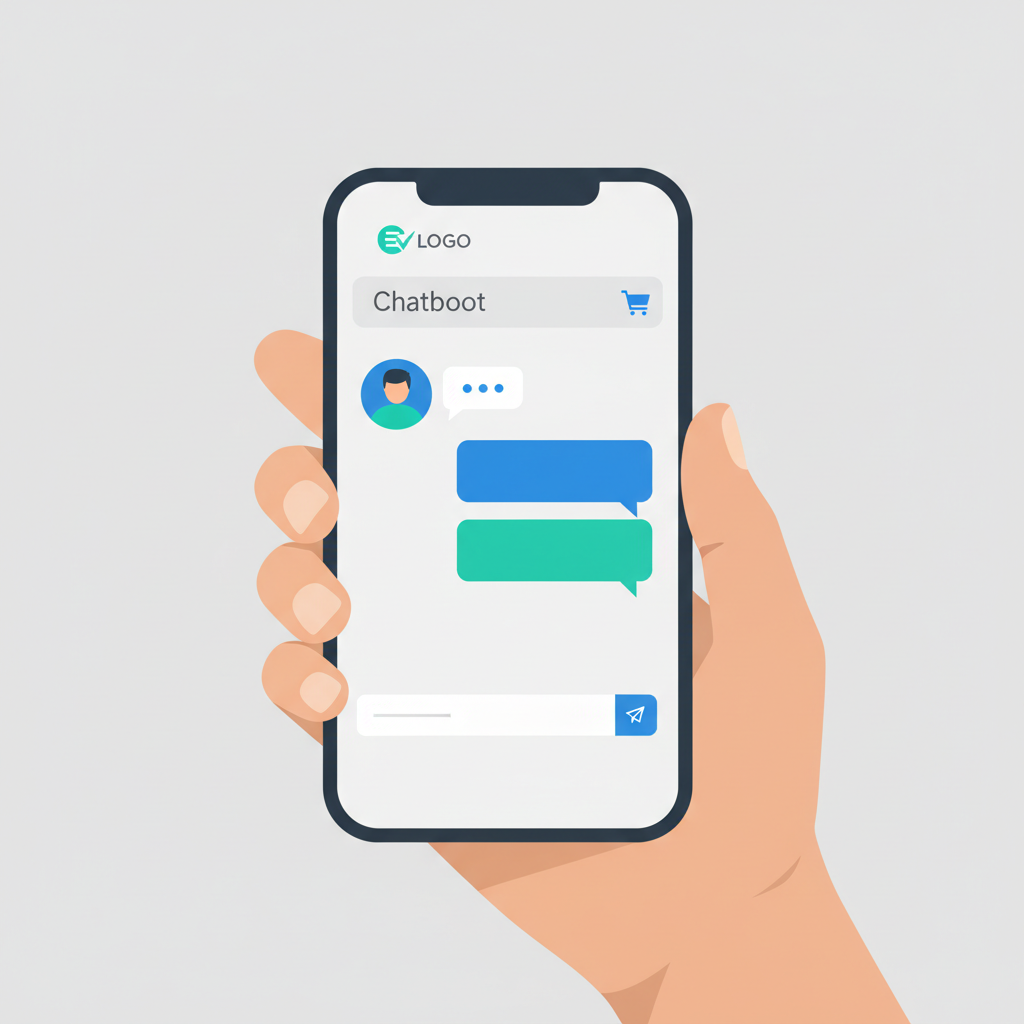
The Essential Integration Playbook: Making Your Chatbot Work
Integrating a WhatsApp chatbot isn't just about plugging it in; it's about crafting a thoughtful strategy. Here’s how we approach it:
1. Define Your Goals & Use Cases
Before you even think about the tech, ask yourself: What problem am I trying to solve? Are you aiming to:
- Improve customer support? (e.g., FAQs, order tracking, basic troubleshooting)
- Generate and qualify leads? (e.g., gathering contact info, understanding customer needs)
- Automate sales processes? (e.g., product catalog browsing, appointment booking, basic payment initiation)
- Send proactive notifications? (e.g., shipping updates, appointment reminders, promotional offers)
A clear objective dictates the chatbot's design and capabilities. For instance, if lead generation is key, your chatbot needs robust conversational flows to gather information and qualify prospects, much like the strategies we outline in our guide on AI Chatbots for Lead Generation.
2. Choose the Right Platform & API Provider
You can't just slap a chatbot onto your personal WhatsApp. You need access to the WhatsApp Business API. This requires partnering with a WhatsApp Business Solution Provider (BSP) or building directly if you have the technical horsepower. The BSP handles the infrastructure, security, and messaging capabilities. We often recommend looking at providers that offer flexible integration points and robust analytics.
3. Design Conversational Flows (The Script!)
This is where the magic happens. Your chatbot's effectiveness hinges on its ability to understand and respond intelligently. Map out common customer journeys:
- Entry Points: How do users start a conversation? (e.g., scanning a QR code, clicking a link, sending a 'Hi')
- Main Menu Options: Provide clear, concise choices.
- Keywords & Intents: What phrases will trigger specific responses?
- Fallback Options: What happens when the chatbot doesn't understand? (e.g., 'I'm sorry, I didn't get that. Can you rephrase or choose from the menu?', handoff to human agent).
- Personalization: Can you use customer data to make interactions more relevant?
Remember, the goal is natural conversation. Avoid robotic, rigid responses. A well-designed portal typically reduces administrative work by 30-50%.
4. Integrate with Your Existing Systems
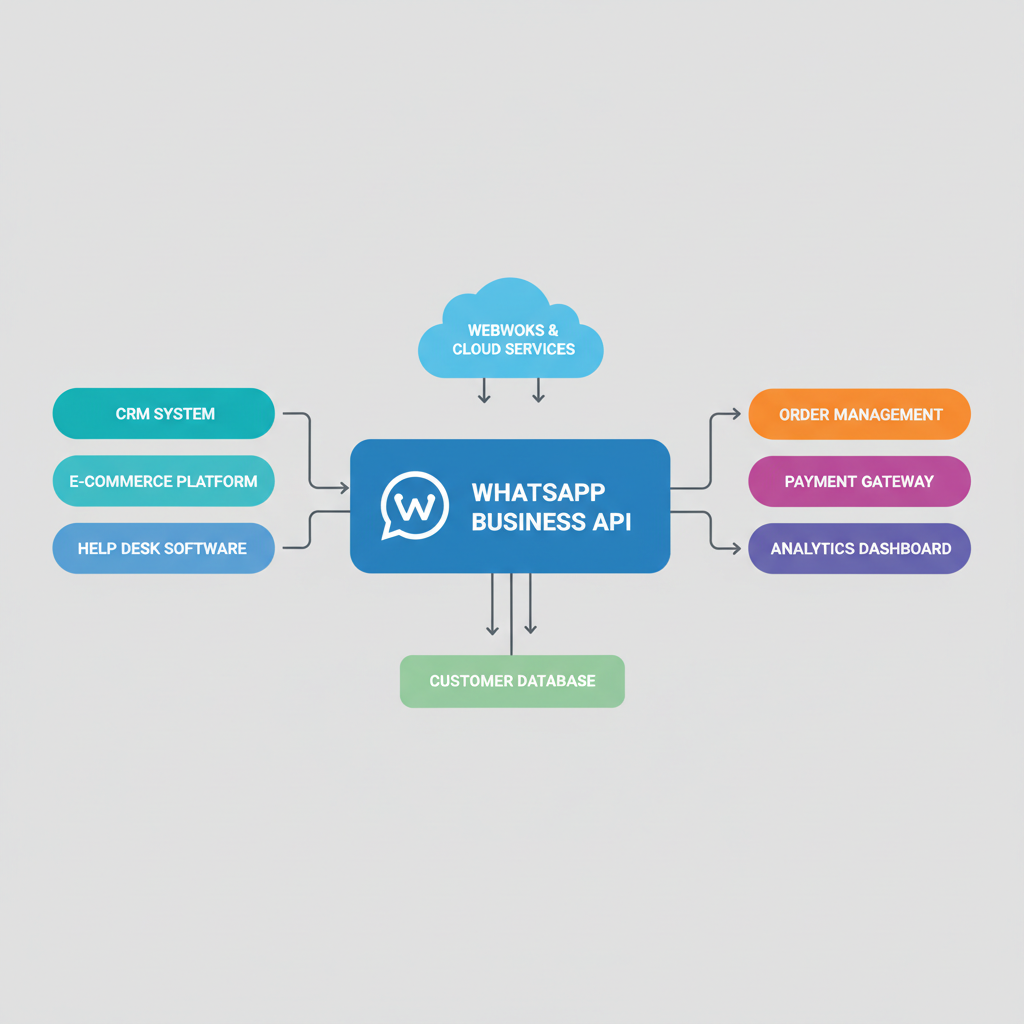
A standalone chatbot is fine, but a connected chatbot is transformative. Integrating with your CRM, e-commerce platform, or internal databases allows your chatbot to pull and push real-time data. Imagine a chatbot that can:
- Check inventory levels before recommending a product.
- Update a customer's support ticket in your CRM.
- Process payments directly or link to a secure payment gateway.
This level of integration is what truly saves hours and provides seamless customer experiences. If you're pondering how to connect these dots effectively, our services page details how we build custom solutions for complex integration needs.
5. Test, Deploy, and Iterate
Don't launch and forget. Test your chatbot thoroughly with internal teams and a small group of users. Look for:
- Broken flows or dead ends.
- Unclear language or confusing options.
- Response speed and accuracy.
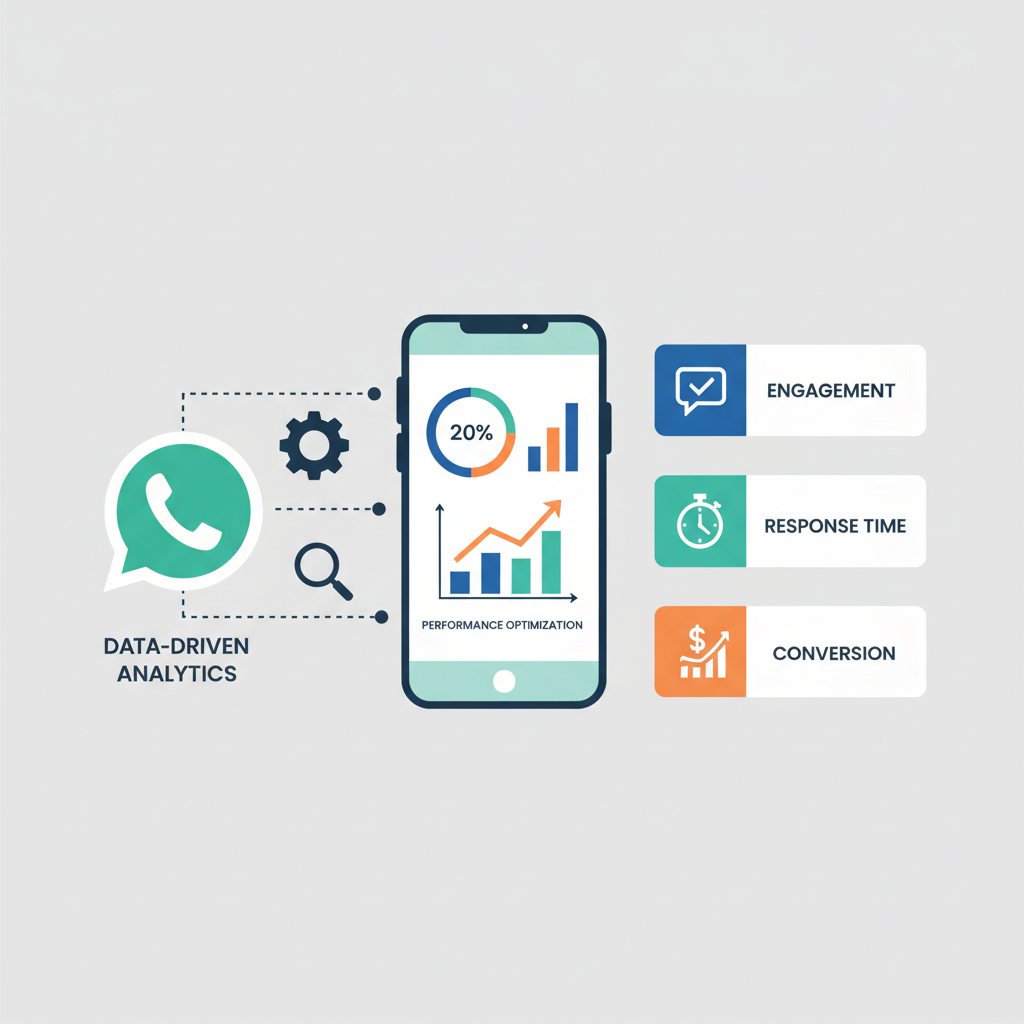
Once deployed, monitor its performance closely. Use analytics to identify common queries, areas where the chatbot struggles, and opportunities for improvement. Continuous iteration based on real user data is key to maximizing its value. We've seen businesses achieve significant ROI by continuously refining their chatbot's responses and flows.
Measurable Value, Not Just Hype
At Doosix, we don't believe in vanity metrics or empty dashboards. If a tool doesn't save you real hours in your workday or shave numbers off your operational costs, it's just noise. A sophisticated WhatsApp chatbot, when properly integrated, can lead to:
- Up to 80% reduction in routine customer service inquiries.
- An increase in lead qualification rates by 20-30%.
- 24/7 customer support without additional staffing.
- Improved customer satisfaction scores due to instant responses.
We're talking direct, measurable impact. If you're ready to explore how a custom WhatsApp chatbot solution can transform your operations, take a look at our AI Planner to start outlining your needs, or simply reach out to us directly. We're here to help you build solutions that deliver tangible results.
Recommended Doosix Services
Tags
Frequently Asked Questions

Mohan, Founder of Doosix AI
AI Integration Specialist & Founder of Doosix AI. Leading automation architect with over 8 years of experience designing and deploying business automation systems.