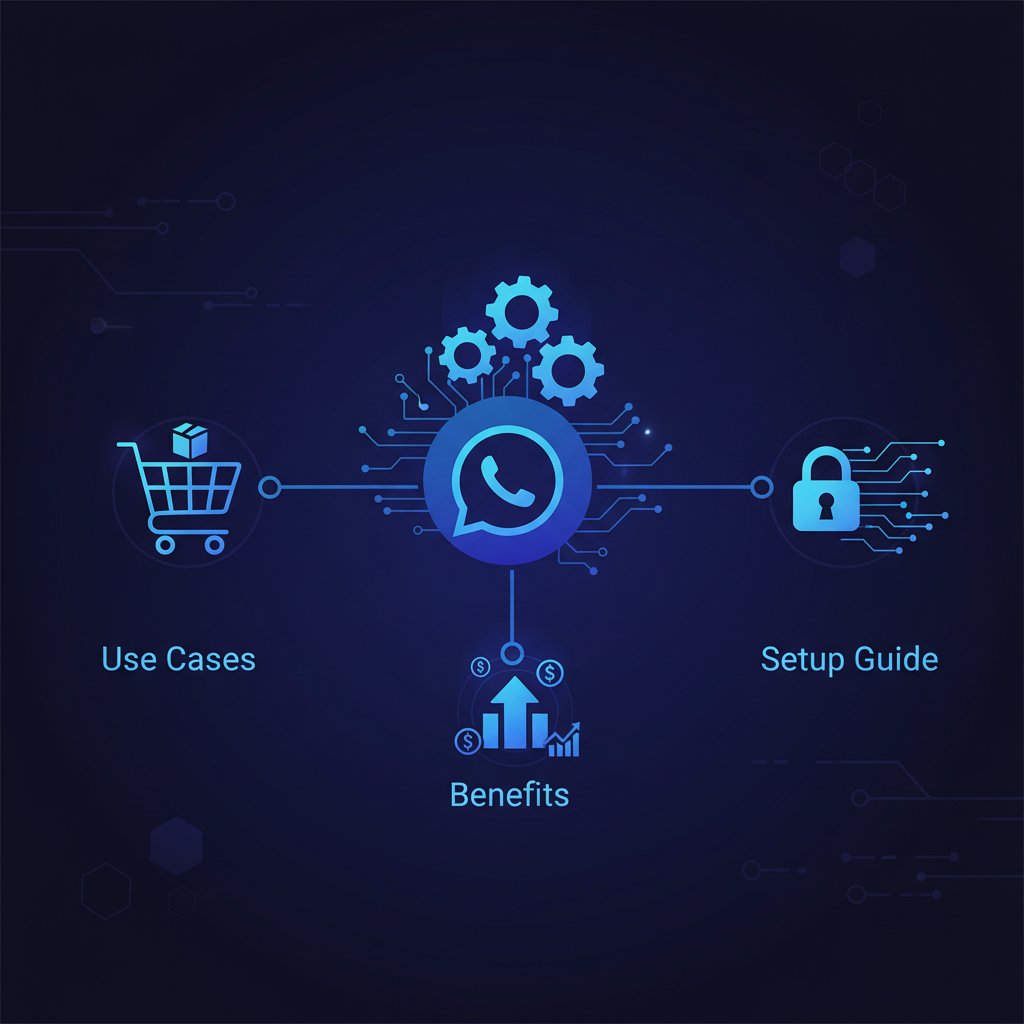
WhatsApp Automation for Small Business: Use Cases, Benefits and Setup Guide
WhatsApp is one of the most important communication channels for small businesses in India. Customers use it to ask prices, request appointments, share documents, confirm orders, and follow up on service status. But when every message is handled manually, teams miss leads, reply late, and repeat the same answers every day. WhatsApp automation solves this problem by turning common conversations into structured workflows.
For a small business, WhatsApp automation does not mean sending spam messages. It means replying faster, collecting the right details, sending useful reminders, and keeping the team informed. When combined with AI automation services, WhatsApp can become a practical sales and support system.
What is WhatsApp automation?
WhatsApp automation is the use of WhatsApp Business tools, approved APIs, message templates, chatbots, and workflow triggers to reduce manual communication. A customer action can trigger a message automatically. A website form can send a WhatsApp follow-up. A lead can be saved to a CRM. A support request can be routed to the right team member.
The best automation systems are helpful and permission-based. They give customers faster information without overwhelming them with unwanted messages.
Why small businesses need WhatsApp automation
Small businesses often depend on fast response time. If a customer asks for pricing and you reply six hours later, they may already have chosen a competitor. Automation helps by sending an instant first response, collecting details, and notifying your team. This improves speed while keeping humans involved for important conversations.
- Reply instantly to website and ad leads.
- Collect name, requirement, budget, location, and preferred callback time.
- Send appointment reminders and payment reminders.
- Share brochures, service details, or booking links.
- Update customers about order, project, or ticket status.
- Notify internal teams when high-value leads arrive.
Best WhatsApp automation use cases
1. Instant lead response
When a user submits a website form, the system can send an immediate WhatsApp message thanking them and asking one or two qualification questions. This improves trust and keeps the conversation active while your team prepares a human response.
2. Lead qualification
Instead of asking your sales team to manually collect the same information, automation can ask structured questions. For example: What service do you need? What is your timeline? What is your budget range? Which city are you from? The answers can be stored in a CRM or spreadsheet.
3. Appointment reminders
Clinics, consultants, training institutes, salons, real estate teams, and service companies can send appointment reminders. This reduces no-shows and saves admin time.
4. Customer support FAQs
Many questions are repetitive. WhatsApp automation can answer basic FAQs about pricing, documents, timings, location, payment methods, refund policy, or service process. For more advanced replies, you can connect an AI chatbot trained on your business knowledge.
5. CRM and team notifications
WhatsApp automation becomes more powerful when connected to your CRM. A new qualified lead can create a CRM record, assign a sales person, and send a Telegram or email notification to the team. This reduces manual copy-paste and improves follow-up discipline.
WhatsApp Business app vs WhatsApp Business API
The WhatsApp Business app is good for very small teams. It supports labels, quick replies, greeting messages, and basic away messages. But it is limited when you need deeper automation, CRM sync, multiple agents, AI replies, or high-volume workflows.
The WhatsApp Business API is better for growing businesses because it supports approved message templates, integrations, automation tools, and multi-user systems. It requires proper setup and usually works through approved providers or Meta’s API ecosystem.
How to set up WhatsApp automation
- Define the goal: lead capture, support, reminders, updates, or sales follow-up.
- Map the customer journey from first message to human handoff.
- Prepare approved message templates and FAQ answers.
- Choose the right setup: Business app, API provider, CRM integration, or custom workflow.
- Connect forms, website, CRM, or internal tools.
- Test with real scenarios before launch.
- Review conversation logs and improve the flow weekly.
Common mistakes to avoid
Do not blast promotional messages without consent. Do not create long robotic flows that frustrate customers. Do not hide the option to talk to a human. Do not connect automation to messy data without testing. The goal is to improve customer experience, not make communication feel cold.
A good WhatsApp automation system should be simple, fast, and respectful. It should help customers get answers and help your team focus on serious conversations.
How Doosix can help
Doosix builds WhatsApp automation for lead follow-up, customer support, CRM updates, reminders, and AI-powered replies. We can connect WhatsApp to your website, landing pages, forms, CRM, spreadsheets, internal dashboards, and custom software systems.
If your team spends hours replying to repeated messages or manually updating lead details, WhatsApp automation can save time and improve conversions. Start with one clear workflow: instant lead response, FAQ automation, or appointment reminders. Once it works, expand to deeper automation.
How to measure WhatsApp automation ROI
After launch, track simple numbers every week. Measure how many leads received instant replies, how many conversations were qualified, how many appointments were confirmed, and how many manual follow-up messages your team avoided. Also compare lead response time before and after automation. If your team previously replied in three hours and now replies in ten seconds, that improvement can directly affect conversions.
For growing businesses, the next step is connecting WhatsApp data to dashboards. This helps owners see which campaigns, services, and locations produce the best enquiries. With the right reporting, WhatsApp becomes more than a chat channel; it becomes a measurable sales and support workflow.
Recommended Doosix Services
Tags
Frequently Asked Questions

Mohan, Founder of Doosix AI
AI Integration Specialist & Founder of Doosix AI. Leading automation architect with over 8 years of experience designing and deploying business automation systems.