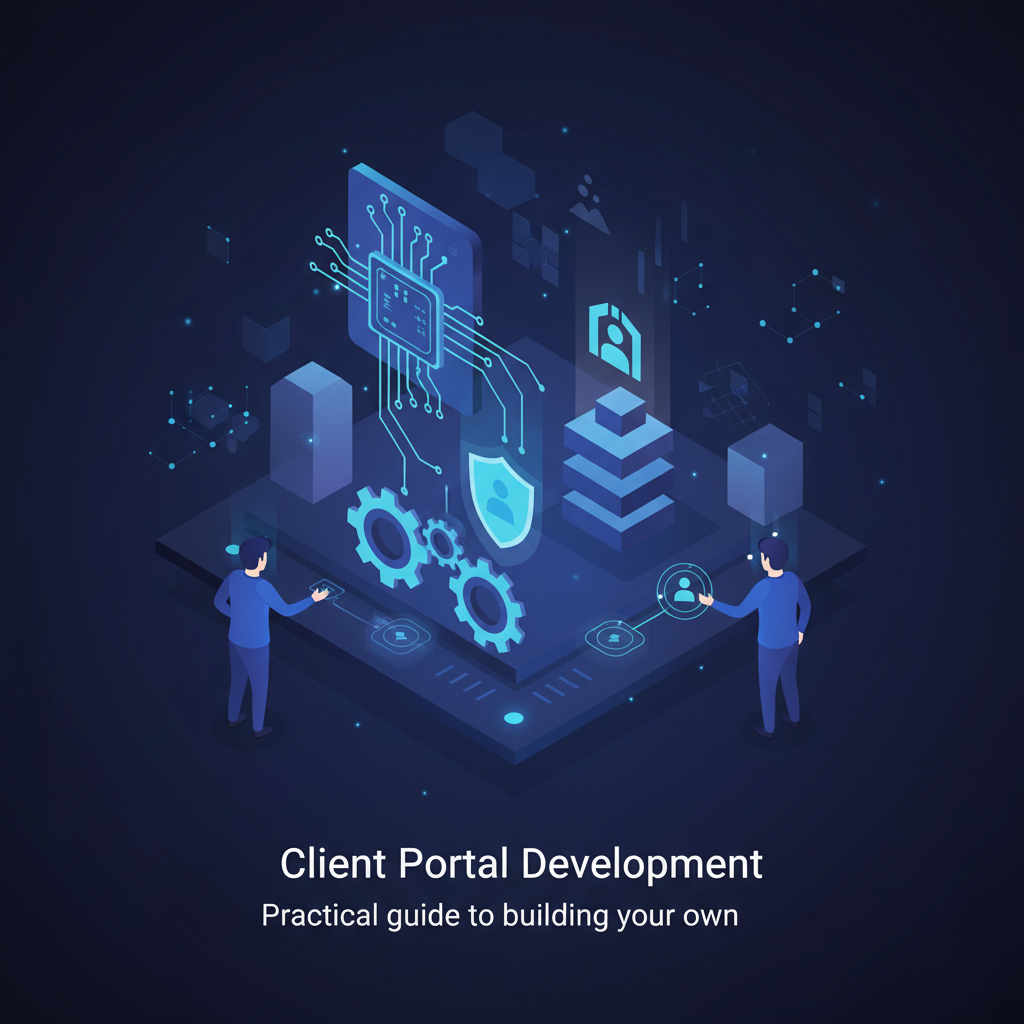
Client Portal Development: A Practical Guide to Building Your Own
Building a custom client portal is less about a massive IT overhaul and more about strategically addressing specific pain points in your customer interactions and internal workflows. It's about centralizing communication, empowering your clients with self-service options, and ultimately, freeing up your team to focus on higher-value tasks. I've seen firsthand how a well-executed portal can significantly cut down on redundant inquiries and administrative overhead, often by 30-50% in our experience.
Many businesses hit a wall when their client base grows. What used to be manageable with emails and phone calls becomes a bottleneck. Your team spends hours answering 'where's my order?' or 'can I get an update?' type questions. That's exactly where a custom client portal shines. It's not just a fancy login page; it's a strategic asset.
Why Bother with a Custom Client Portal? The Nexus Logistics Story
Let's talk about Nexus Logistics. They're a hypothetical mid-sized freight forwarding company, dealing with hundreds of shipments daily. Their clients, from small manufacturers to large distributors, all needed constant updates. Before their custom portal, Nexus's customer service reps were swamped. Emails piled up, phone lines were always busy, and tracking information often lagged. This wasn't just inefficient; it was damaging their customer experience.
Imagine being a Nexus client, waiting for a critical component. You're calling, emailing, feeling frustrated by the lack of real-time info. That's a direct route to losing business. Nexus realized they needed a system where clients could log in, see their shipment's status, access invoices, and even initiate new requests without a single phone call.
The Core Problem: Communication Chaos
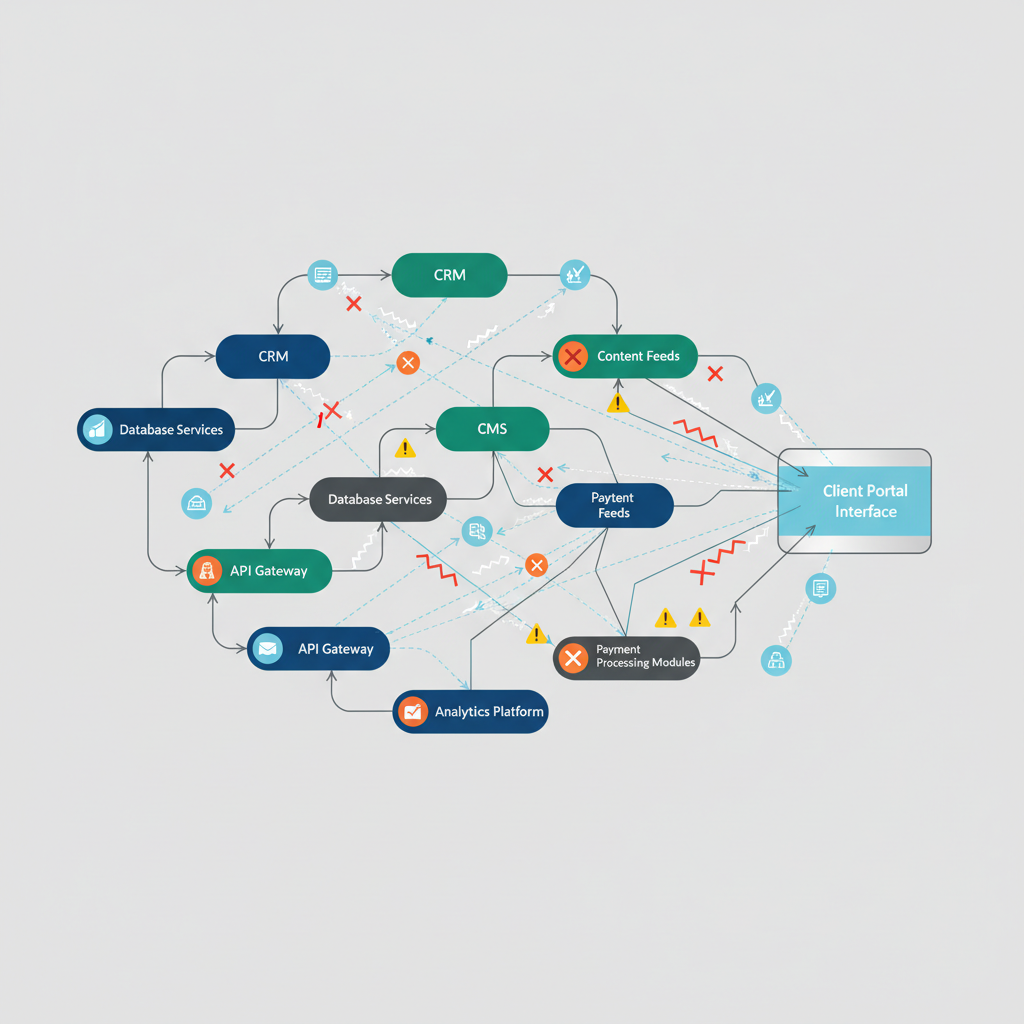
Their biggest challenge was fragmented communication. Shipment updates were in one system, invoices in another, and client requests often just lived in an email inbox. There was no single source of truth for the client, and frankly, not always for Nexus's internal team either. This is a common hurdle we see, and it's a prime indicator that custom software development, specifically a client portal, is a smart move.
Breaking Down the Development Process: Our Playbook
Developing a client portal isn't a 'one-size-fits-all' endeavor. It requires a structured approach. Here's how we typically tackle it:
Phase 1: Discovery and Requirements Gathering
- Identify Key Users & Pain Points: Who will use this portal? What are their biggest frustrations currently? For Nexus, it was their clients needing real-time tracking and their internal reps being bogged down by repetitive queries.
- Define Core Features: What *must* this portal do? Don't get carried away with every 'nice-to-have' feature initially. Nexus's core needs were shipment tracking, document access (BOLs, invoices), and communication tools.
- Integrations: What existing systems does the portal need to 'talk' to? For Nexus, this was their Transport Management System (TMS) and their accounting software. This is critical for data accuracy and reducing manual entry.
Phase 2: Design and User Experience (UX)
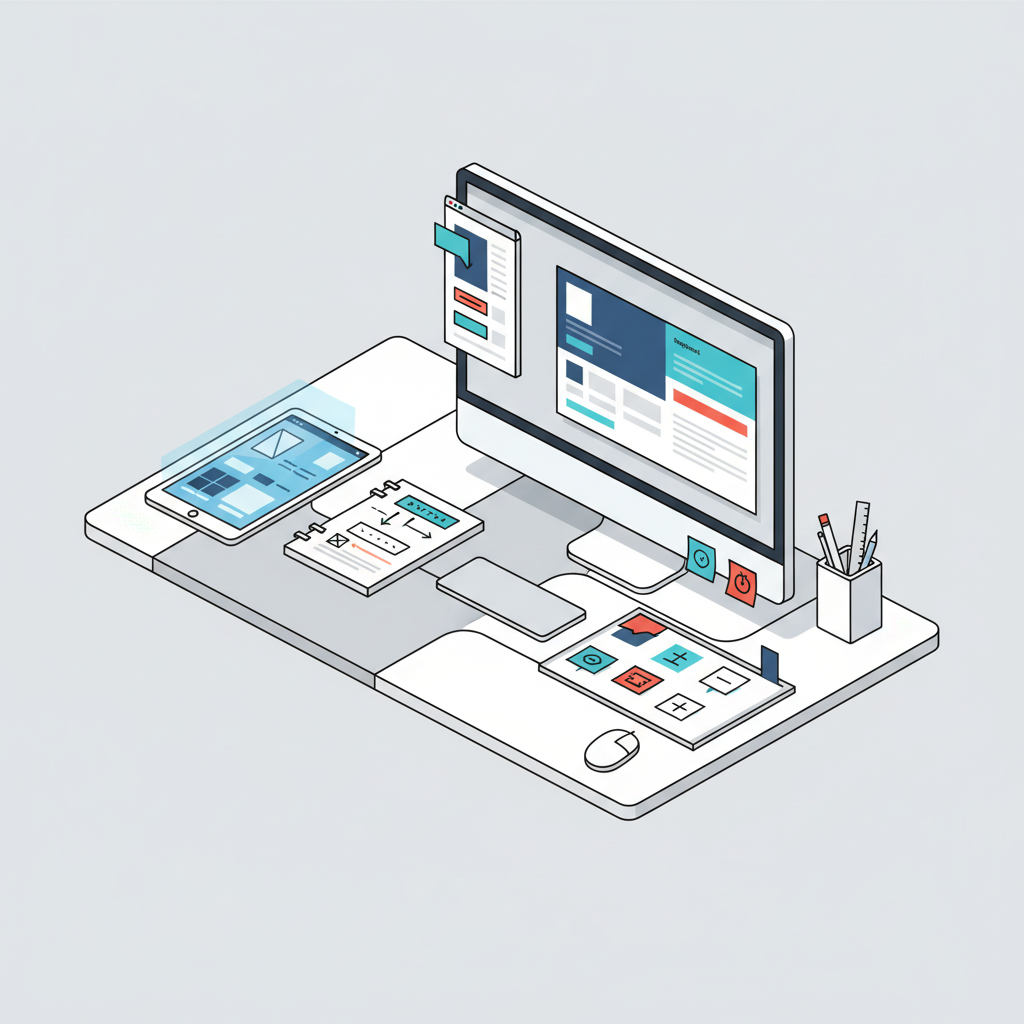
This is where the portal starts to take shape. A clunky, hard-to-use portal is worse than no portal at all. It needs to be intuitive, clean, and efficient. We focus heavily on wireframing and prototyping in this stage.
- User Flows: How will a client navigate from logging in to finding a specific invoice or checking a shipment status?
- Dashboard Layout: What information is most critical for clients to see immediately upon logging in? For Nexus, it was an overview of active shipments and recent documents.
- Branding: The portal should feel like an extension of your brand.
Phase 3: Development and Integration
This is where the code gets written. Choosing the right technology stack is crucial for scalability, security, and maintainability. For Nexus, we opted for a robust, secure framework that could handle high volumes of data and API integrations.
- Backend Development: Building the server-side logic, database, and API endpoints. This is the engine room.
- Frontend Development: Creating the user interface that clients interact with. This is what they see and click.
- API Integrations: Connecting the portal to Nexus's TMS and accounting systems. This is often the most complex part but also the most impactful for automation. If you're looking to streamline these kinds of connections, exploring options like an AI Planner can reveal integration opportunities you might miss.
- Security: Absolutely paramount. Data encryption, secure authentication (MFA is a must!), and regular security audits are non-negotiable.
Phase 4: Testing and Deployment
Before launch, rigorous testing is essential. You want to iron out any bugs and ensure a smooth user experience.
- Functional Testing: Does everything work as intended?
- Performance Testing: Can the portal handle multiple users simultaneously without slowing down?
- User Acceptance Testing (UAT): Getting actual clients or internal 'super-users' to test the portal and provide feedback.
- Deployment: Launching the portal to your client base.
Phase 5: Post-Launch Support and Iteration
A client portal isn't a 'set it and forget it' solution. It needs ongoing maintenance, monitoring, and continuous improvement based on user feedback. Nexus continually gathers feedback to refine their portal, adding new features like automated notifications and improved reporting based on what their clients actually want.

The Tangible Benefits Nexus Saw
After implementing their custom client portal, Nexus Logistics experienced significant improvements:
- Reduced Customer Service Inquiries: By centralizing tracking and document access, they saw a 40% reduction in 'where is my shipment?' calls and emails. This freed up their reps to handle more complex issues.
- Improved Customer Satisfaction: Clients loved the transparency and self-service options. They felt more in control and informed.
- Operational Efficiency: Invoice retrieval and new order submission became automated, cutting down on administrative time by roughly 25%.
- Data Accuracy: With direct integration, the risk of manual data entry errors was drastically reduced.
At Doosix, we believe in delivering direct, measurable value. A custom client portal, when built correctly, isn't just a cost; it's an investment that pays dividends in efficiency, customer satisfaction, and ultimately, your bottom line. If you're pondering how a custom solution could transform your business, don't hesitate to reach out to us. We've got a pretty solid portfolio of similar projects that have delivered real results.
And if you're exploring other ways to automate your customer interactions, you might find our guide on AI Chatbots for Lead Generation or WhatsApp Automation for Small Business particularly insightful.
Recommended Doosix Services
Tags
Frequently Asked Questions

Mohan, Founder of Doosix AI
AI Integration Specialist & Founder of Doosix AI. Leading automation architect with over 8 years of experience designing and deploying business automation systems.