The Future of Work: Human + AI Collaboration
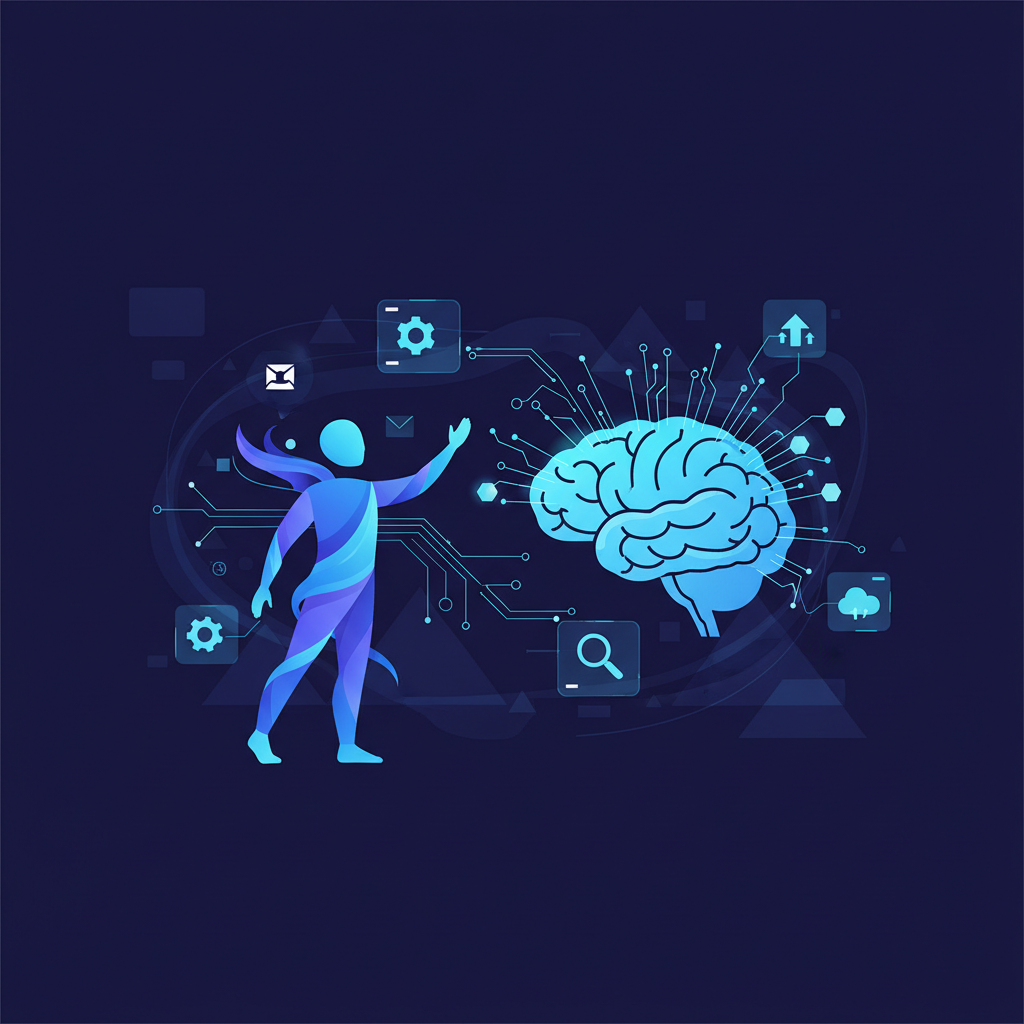
The future of work is not simply “AI replaces people.” In most real businesses, the better model is human plus AI collaboration. AI handles repetitive, fast, data-heavy, or first-draft work. Humans handle judgment, empathy, strategy, relationships, creativity, and final approval. The companies that understand this balance will move faster without losing quality.
For small businesses, this is good news. You do not need a huge AI department to benefit. You need clear workflows, good information, and practical automation. A small team using AI well can respond faster, create more content, process more leads, and manage operations with less manual effort.
What human + AI collaboration means
Human + AI collaboration means designing work so AI supports people rather than creating confusion. AI can draft a proposal, but a sales manager checks the offer. AI can answer common support questions, but a human handles complaints. AI can summarize invoices, but finance approves payments. AI can generate code suggestions, but developers review architecture and security.
The key is role clarity. AI should have a defined job. Humans should know where the AI helps, where it stops, and when escalation is required.
Why this matters for small businesses
Small businesses often have limited staff. One person may handle sales, support, admin, marketing, and reporting. AI collaboration helps by removing repeated work from that person’s day. This does not just save time. It also reduces missed follow-ups, inconsistent replies, and slow customer responses.
For example, a business can use AI automation services to capture leads, send instant WhatsApp replies, update a CRM, and notify the right team member. The human team still closes the sale, but the AI system makes sure no lead is ignored.
Human + AI examples by department
Sales
AI can qualify leads, summarize customer requirements, draft proposal outlines, and remind sales teams to follow up. Humans still build trust, negotiate, understand context, and close the deal.
Customer support
An AI agent can answer FAQs, collect ticket details, search knowledge base content, and suggest replies. Humans handle sensitive situations, complaints, refunds, and complex troubleshooting. Learn more about this approach in our AI chatbot development service.
Marketing
AI can help with content ideas, blog outlines, social captions, ad variations, keyword clustering, and email drafts. Humans decide positioning, brand voice, offer strategy, and final messaging.
Operations
AI can read documents, extract data, route tasks, update spreadsheets, and create summaries. Humans improve the process, handle exceptions, and approve important decisions. This is where business automation services can create strong value.
Software and internal tools
AI can assist with admin dashboards, reports, documentation, test cases, and code suggestions. But the business still needs proper planning, security, and maintainable systems. For long-term systems, custom development matters. See custom software development.
The best tasks to automate first
The best tasks for AI collaboration are repetitive, frequent, and easy to check. Avoid starting with high-risk decisions. Start with workflows where AI can save time without creating serious risk.
- Drafting first versions of emails, proposals, and reports.
- Answering repeated customer questions.
- Summarizing meetings, calls, and support tickets.
- Extracting structured data from invoices, PDFs, and forms.
- Routing leads to the correct team member.
- Creating internal checklists and reminders.
- Generating blog outlines and keyword content plans.
Where humans should stay in control
AI should not make every decision automatically. Humans should stay in control of sensitive communication, high-value purchases, legal or medical statements, financial approvals, hiring decisions, and customer complaints. Even when AI drafts the response, a person should verify the final message.
This is not a weakness. It is good system design. The most reliable businesses use AI for speed and humans for accountability.
How to prepare your team
AI collaboration requires training. Your team should know how to write clear prompts, check AI answers, report mistakes, and improve the knowledge base. They should also understand that AI is not always correct. Treat every AI output as a draft or recommendation unless the workflow has been tested carefully.
- Create a short AI usage policy.
- Define which data can and cannot be uploaded to AI tools.
- Train staff to verify important outputs.
- Keep approved business documents in one place.
- Review AI-assisted workflows every week during the first month.
Designing AI workflows that actually work
A good AI workflow starts with a trigger, such as a new lead, incoming email, support question, form submission, or uploaded document. The AI then performs a clear task: classify, summarize, draft, extract, or answer. Finally, the system sends the result to a human, CRM, dashboard, or customer.
For example, a website lead can trigger an AI qualification flow. The AI asks the visitor about their requirement, budget, timeline, and contact details. The system sends the summary to the sales team and stores it in a CRM. This is a practical human + AI workflow because the AI handles the repetitive qualification while the human focuses on closing.
Final thoughts
The future of work belongs to teams that know how to combine people, process, and AI. Businesses do not need to automate everything. They need to automate the right things. Start with one workflow, measure the result, and expand carefully.
Doosix helps businesses design this kind of practical AI collaboration through AI consulting, chatbot development, automation, and custom software. If your team is overloaded with repetitive work, the next step is not replacing people. The next step is giving them better systems.
How Doosix approaches human + AI systems
Doosix designs AI workflows around the people who will actually use them. We map the current process, identify repetitive tasks, define human approval points, and then build the automation or software layer around that workflow. This keeps the system practical, safer, and easier for teams to adopt.
Recommended Doosix Services
Tags
Frequently Asked Questions

Mohan, Founder of Doosix AI
AI Integration Specialist & Founder of Doosix AI. Leading automation architect with over 8 years of experience designing and deploying business automation systems.